

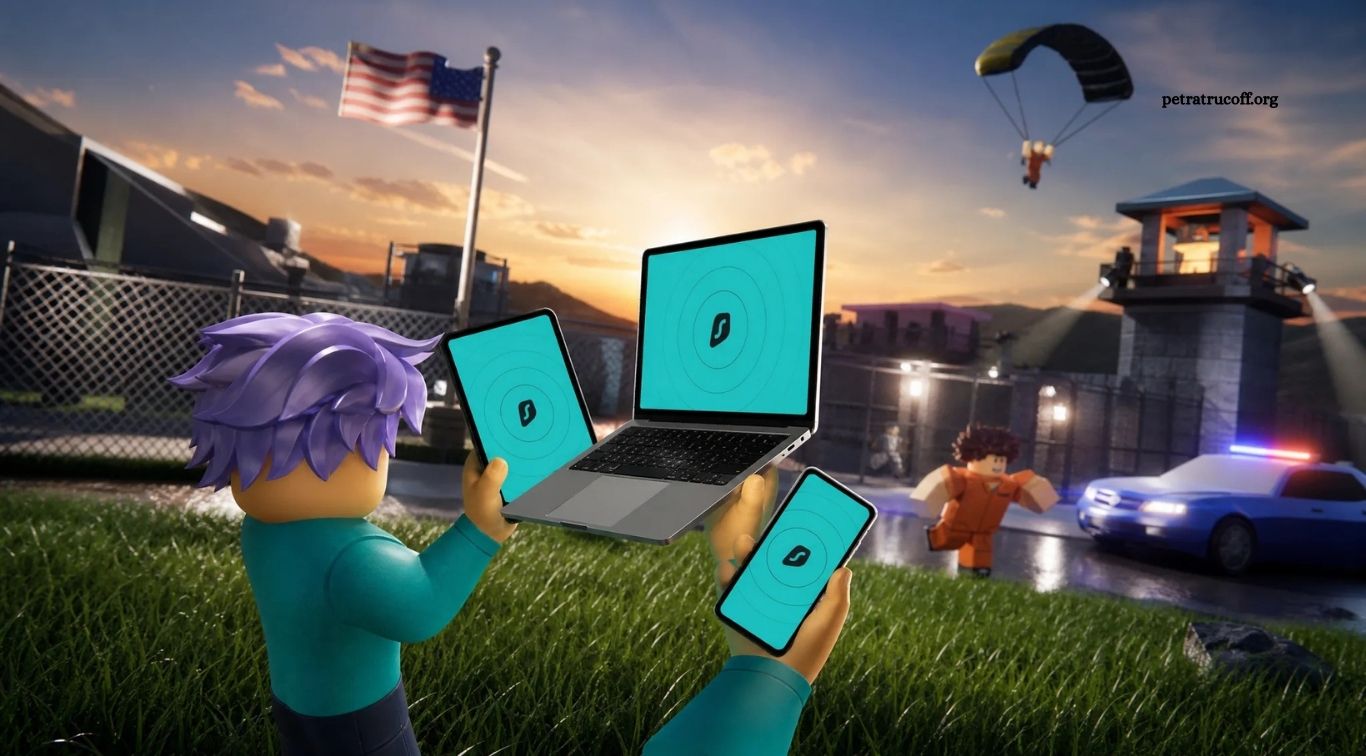
Roblox is a popular online gaming platform where players can explore virtual worlds, create experiences, customize avatars, and interact with others. Its variety of games makes it entertaining for people with different interests and skill levels. However, like other online platforms, Roblox can expose players to risks such as inappropriate messages, scams, account theft, and unwanted interactions if they do not take basic precautions.
Learning how to stay safe while playing Roblox helps you enjoy games while protecting your personal information and account. Simple habits, including using strong passwords, adjusting privacy settings, avoiding suspicious links, and reporting harmful behavior, can make a meaningful difference. Whether you are a beginner, an experienced player, or a parent supporting a young gamer, these practical safety tips can help create a more secure gaming experience.
Read More: Most Popular Roblox Games This Year
Protect Your Roblox Account With a Strong Password
A strong password is one of the most important steps in protecting your Roblox account. Choose a password that is long, unique, and difficult to guess. Avoid using your name, birthday, username, or simple combinations that someone could easily predict. Never reuse your Roblox password on other websites, because a security breach elsewhere could put your gaming account at risk.
Enable two-step verification or other available account security features to add another layer of protection. Depending on the verification method, signing in may require an additional code or confirmation. Never share verification codes with other players, and avoid signing in on unfamiliar devices without logging out afterward. If you suspect someone has accessed your account, change your password and review the available security settings immediately.
Keep Your Personal Information Private
Protecting your personal information is essential when interacting with other players online. Avoid sharing your full name, home address, phone number, school name, passwords, or other identifying details in chats or profiles. Even information that seems harmless can sometimes be combined with other details to identify you or reveal more about your life than you intended.
Use a username that does not reveal sensitive personal information, and think carefully before posting photos or sharing details about your daily routine. Remember that someone you meet in a game may not be who they claim to be. If another player repeatedly asks personal questions or pressures you to reveal private information, stop responding, block them, and tell a trusted adult if you are under 18 or feel uncomfortable.
Adjust Roblox Privacy and Communication Settings
Roblox provides privacy and communication controls that can help you manage how other people interact with you. Depending on your account and the platform’s current options, you may be able to control who can message you, chat with you, invite you to private experiences, or interact with you in other ways. Review these settings regularly and choose options that match your comfort level.
You do not need to accept every friend request or respond to every message. If you prefer to play with people you know, limit interactions where the available settings allow it. Parents and guardians can also review the account’s privacy controls with younger players and explain why certain restrictions are helpful. Remember that privacy settings reduce some risks but cannot guarantee that every interaction will be safe.
Recognize Roblox Scams and Fake Robux Offers
Scammers may promise free Robux, exclusive items, special rewards, or account upgrades to persuade players to click suspicious links or reveal login information. These offers may appear in messages, social media posts, videos, or websites that imitate official services. Some may ask you to complete surveys, download files, or enter your account details to claim a reward.
Avoid unofficial websites and never provide your password or verification code to claim free Robux. Use legitimate Roblox features and trusted payment methods when making purchases. If an offer seems too good to be true, treat it with caution. Do not download unknown files or follow instructions that ask you to disable security protections, install suspicious software, or give someone remote access to your device.
Be Careful When Talking to Strangers
Roblox experiences can bring together players from many backgrounds, and friendly conversations are a normal part of online gaming. However, you cannot always verify another player’s identity or intentions. Be cautious if someone quickly tries to build intense trust, asks you to keep conversations secret, requests personal photos, or pressures you to move to another platform to continue chatting.
If a conversation makes you uncomfortable, you can leave the game, stop replying, block the player, or report their behavior. You do not owe anyone a response simply because you have played together or accepted a friend request. Younger players should speak with a trusted adult if someone makes inappropriate requests, threatens them, or repeatedly ignores their boundaries.
Use Roblox Reporting and Blocking Features
Reporting and blocking tools can help you respond to harassment, bullying, suspicious behavior, or inappropriate content. If another player violates Roblox’s rules, use the reporting option available in the relevant experience or account interface. Provide accurate information about what happened so the platform can review the incident appropriately.
Blocking can prevent further direct interaction with a particular player through supported features, giving you space to continue playing without unwanted contact. If you encounter serious threats, repeated harassment, or requests for sensitive information, save relevant details when safe and tell a trusted adult if you are a minor. Avoid retaliating or sharing the other person’s private information, since that can create additional problems.
Avoid Cyberbullying and Toxic Behavior
Cyberbullying can occur through insults, repeated unwanted messages, exclusion, threats, or attempts to embarrass another player. Even when it happens inside a game, harmful behavior can affect someone’s confidence and enjoyment. Treat other players respectfully, avoid joining group harassment, and remember that there is a real person behind each avatar.
If someone targets you, do not feel pressured to argue or prove yourself. Use blocking and reporting tools, leave the experience if necessary, and talk to someone you trust if the behavior continues. If you witness bullying, support the affected player without escalating the conflict. A respectful gaming environment depends on players making responsible choices and refusing to normalize harmful conduct.
Make Safe In-Game Purchases
Roblox includes virtual items and experiences that may involve Robux or other paid features. Before buying anything, check the price, understand what you are purchasing, and make sure you are using the official purchase process. Be cautious of offers that require you to trade outside approved systems or share your account with someone promising a better deal.
Parents can help younger players by discussing spending limits and reviewing available parental controls for purchases. Keep payment details secure and use purchase approval features where available. Never feel pressured to buy an item because another player claims it will make you popular or help you win. Virtual purchases should fit your budget, and you should understand the terms before spending money.
Keep Your Device and Roblox App Updated
Keeping your device, browser, and Roblox app updated helps protect against known security issues and can improve performance. Install updates through trusted sources, such as your device’s official app store or the software provider’s legitimate update process. Use reputable security software where appropriate, and avoid downloading unofficial Roblox applications or modified programs from unfamiliar websites.
Be careful with browser extensions, cheats, executors, and other tools that promise special abilities or free items. Such downloads may contain malware or attempt to steal account information, and using unauthorized tools can also put your account at risk. If a website asks you to install an unfamiliar program to access a game or reward, leave the site and use official Roblox channels instead.
Roblox Safety Tips for Parents and Guardians
Parents and guardians can help children develop safer gaming habits by discussing online privacy, respectful communication, and the risks of sharing personal information. Explore Roblox’s available parental controls and account settings together, paying attention to communication options, content access, spending, and other controls appropriate for the child’s age and needs.
Keep conversations open so children feel comfortable reporting uncomfortable experiences without fearing an automatic loss of gaming privileges. Ask what games they enjoy, who they interact with, and whether anyone has asked them to keep secrets or share private details. Controls can be useful, but they work best alongside guidance, clear boundaries, and regular conversations about responsible online behavior.
What to Do If Your Roblox Account Is Hacked
If you believe your Roblox account has been compromised, act quickly. Change your password if you can still sign in, secure the email account connected to Roblox, and enable available verification features. Review account settings and look for unfamiliar activity. If you cannot regain access, use Roblox’s official account recovery and support process rather than paying strangers who claim they can recover accounts.
Never share verification codes or recovery details with someone offering unofficial assistance. If unauthorized purchases occurred, review the relevant transaction records and contact the appropriate official support service. After recovering your account, choose a unique password and consider how the compromise happened. Avoiding suspicious links, unofficial downloads, and password reuse can help reduce the risk of another incident.
Frequently Asked Questions
Is Roblox Safe for Children?
Roblox offers safety and privacy controls, but risks can still occur. Age-appropriate settings, supervision, and conversations about online behavior help children play more safely.
How Can I Protect My Roblox Account?
Use a unique password, enable available two-step verification, secure your email account, and never share passwords or verification codes.
Are Free Robux Websites Safe?
Many unofficial free Robux offers are scams. Avoid websites that request your login details or ask you to download suspicious files.
What Should I Do If Someone Harasses Me on Roblox?
Stop engaging, block the player, report the behavior through Roblox’s available tools, and tell a trusted adult if you need support.
Can I Hide My Roblox Messages From Strangers?
Roblox provides communication and privacy controls, though available options can vary. Review your current settings and restrict interactions where possible.
Should I Share My Roblox Password With a Friend?
No. Keep your password private, even with friends. Sharing account credentials can lead to account loss, unauthorized purchases, or changes to your settings.
Conclusion
Staying safe while playing Roblox begins with a few simple habits: protect your account, keep personal information private, adjust communication settings, and be cautious of suspicious offers. Use reporting and blocking features when necessary, avoid unofficial downloads, and treat other players with respect. Parents can further support younger gamers by reviewing available controls and keeping communication open. No online platform can remove every risk, but informed decisions and consistent safety practices can help make Roblox a more enjoyable and secure place to play.
