

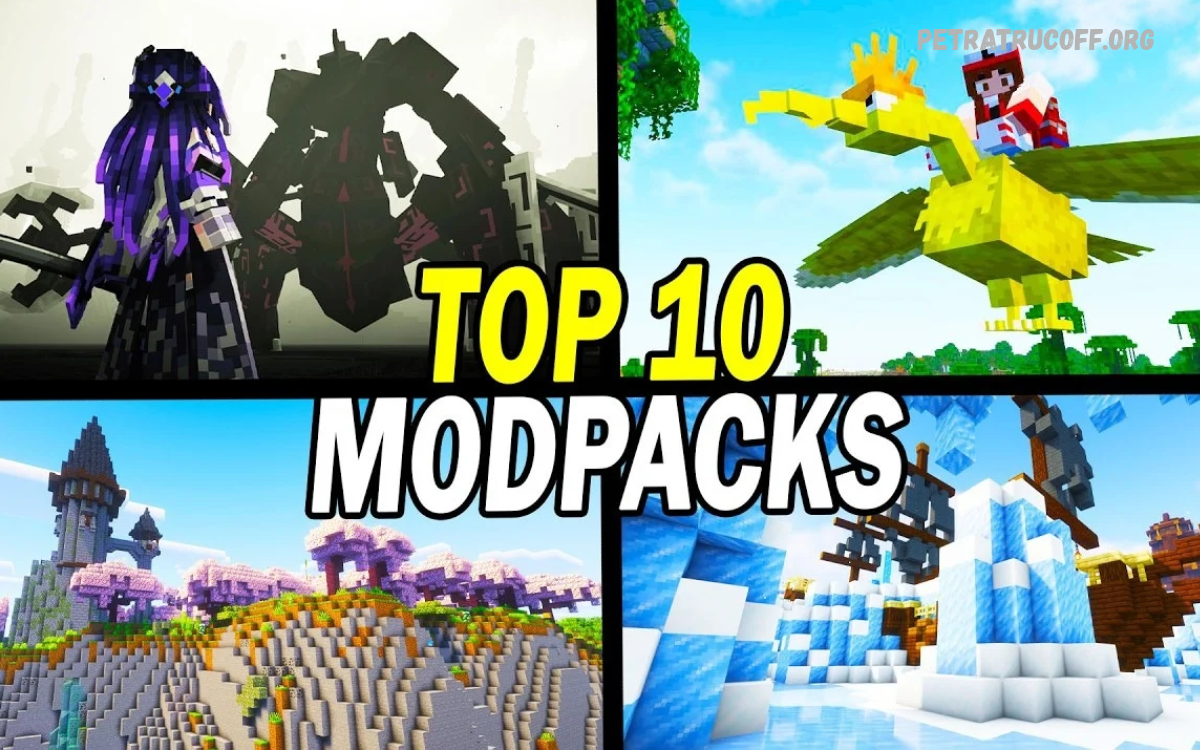
The Best Minecraft Modpacks to Play in 2026 offer fresh ways to experience Minecraft through improved graphics, expanded exploration, advanced crafting, magical adventures, and creative building.
Minecraft modpacks combine compatible modifications into a single, organized experience. Popular platforms such as CurseForge and Modrinth feature options for different playstyles, including vanilla-inspired gameplay, technology, exploration, role-playing, and performance improvements.
What Makes a Minecraft Modpack Worth Playing in 2026?
The best modpacks offer a clear gameplay experience rather than simply adding hundreds of unrelated modifications. They combine features such as new biomes, improved crafting, exploration, quests, building tools, and balanced progression to keep every session interesting.
Compatibility also matters when choosing a pack. Check its Minecraft version, mod loader, update history, system requirements, and multiplayer support before installation.
Better MC: Best for Vanilla+ Gameplay

Better MC is an excellent choice for players who enjoy traditional Minecraft but want more places to explore. Depending on the edition, it can introduce additional biomes, structures, creatures, equipment, dimensions, and quality-of-life features while preserving familiar survival mechanics.
Its vanilla-inspired approach makes it suitable for returning players and multiplayer groups with different interests. Before starting, compare the available versions because Better MC has several editions with different Minecraft versions and mod loaders. Choose a maintained release that matches your launcher and computer.
All the Mods 10: Best for Large Modded Adventures

All the Mods 10 is designed for players who want an extensive Minecraft experience featuring technology, resource processing, automation, exploration, and long-term progression.
This pack is especially appealing to experienced players who enjoy learning complicated crafting chains and connecting machines.
Prominence II: Best for RPG Adventures

Prominence II: Hasturian Era focuses on role-playing, exploration, character development, and a more structured adventure. Its advertised features include quests, custom equipment, bosses, talent progression, and a fantasy-inspired world that encourages players to develop their characters over time.
This modpack suits players who prefer an adventure with goals instead of an entirely open-ended survival experience. Read the pack description before installing it, especially if you want a particular Minecraft version or plan to play with friends on a compatible server.
Cobblemon: Best for Creature Collecting
![COBBLEVERSE - Pokemon Adventure [Cobblemon] - COBBLEVERSE 1.7.2 [CF] - Minecraft Modpacks - CurseForge](https://images.openai.com/static-rsc-4/IgpIS9AxWbk0uzOlfCS-dBuCk00EJra6S8MSaBd0i81GO8Udg2V8hqWtIJv-6aId4afqjH21Q4E_UBC6LVr2WiLJD9k7tXB99bAzLAhQM7nBzJfOKeU718yLLB7Q503FQc68ZD7zRs7u-X9bw_TWicVJdfoGszEDPrkop_ELSlg?purpose=inline)
Cobblemon brings creature collecting into Minecraft through a modification inspired by monster-catching adventures. Players can discover creatures, build teams, explore their surroundings, and enjoy a different progression style from traditional mining and crafting.
Different Cobblemon modpacks add their own features, including extra structures, quests, community activities, or expanded progression. Compare the official project and its supported versions before downloading, because a themed community pack may offer a different experience from the main Cobblemon modpack.
Fabulously Optimized: Best for Performance

Fabulously Optimized is worth considering if you want smoother gameplay, improved visual options, and performance enhancements without dramatically changing Minecraft’s original mechanics. It focuses on optimization rather than adding an enormous collection of new quests, machines, or dimensions.
This makes it a practical starting point for players who want to improve their existing Minecraft experience. Performance still depends on your processor, graphics hardware, memory, settings, and game version, so test the pack before adding further modifications.
FTB StoneBlock 4: Best for Underground Progression

FTB StoneBlock 4 offers a distinctive alternative to Minecraft’s usual open landscapes by placing the experience underground. Instead of relying on typical surface exploration, players focus on resource collection, crafting systems, handcrafted areas, and a progression-focused adventure.
The pack suits players who enjoy problem-solving and building a base in limited surroundings. Its technology systems give automation fans goals, while its structured progression gives the experience direction beyond simply gathering resources and building a shelter.
Homestead: Best for Relaxed Building and Farming

Homestead is a strong option for players who prefer a calmer Minecraft experience built around attractive landscapes, farming, cozy homes, and exploration. Rather than concentrating entirely on difficult progression, a peaceful pack encourages you to create a comfortable world at your own pace.
It can suit creative builders, casual players, and friends who want to develop a shared village or countryside base. Check the current pack description for its included features and supported version, as the exact experience depends on the release you choose.
Beyond Depth: Best for Exploration

Beyond Depth is an exploration-oriented choice for players who enjoy discovering unfamiliar environments and searching for new locations. Its 2026 coverage describes a large pack with hundreds of modifications and custom dimensions, making it attractive to players who want substantial world exploration.
Exploration-focused modpacks work best when you enjoy travelling, collecting resources, mapping new areas, and discovering unusual structures.
Read Also: Minecraft Server Setup Tutorial: Complete Guide for Beginners
Vanilla Perfected: Best for Small Improvements
Vanilla Perfected is a useful option for players who want Minecraft to feel familiar while benefiting from selected enhancements. Compared with extensive content packs, this type of experience focuses on preserving the original game’s atmosphere rather than introducing a completely different progression system.
It can be a good choice for casual survival worlds, builders, and players who dislike complicated mod menus. Check the current release notes to understand exactly which features are included, because the supported Minecraft version and feature set can change between updates.
Create: Astral: Best for Mechanical Creativity

Create-based modpacks appeal to players who enjoy mechanical engineering, automated production, moving structures, and inventive machines. The Create mod introduces a visual approach to machinery that allows players to connect components and design systems that perform useful tasks inside Minecraft.
Create: Astral is one option to investigate if you want a structured experience built around mechanical creativity. Review its current documentation before starting, because the pack’s progression, supported version, and required modifications determine which machines and systems are available.
SkyFactory 4: Best for Skyblock Survival

SkyFactory 4 is a well-known skyblock-style experience where players build a base in an unusual starting environment and gradually establish reliable resource production. The limited surroundings encourage careful planning, creative crafting, and efficient use of available materials.
This pack is especially appealing if you enjoy turning a small starting area into a complex base. Since established modpacks can target older Minecraft releases, check compatibility with your launcher and other players before beginning a long-term world.
Vault Hunters: Best for Goal-Oriented Progression

Vault Hunters is worth exploring if you enjoy progression systems, repeatable challenges, collecting resources, and gradually improving your character. Its gameplay style differs from ordinary Minecraft survival by giving players structured objectives and reasons to continue developing their equipment and base.
This kind of modpack works well for players who appreciate a clear sense of advancement. However, versions can differ substantially in their mechanics and requirements, so consult the current project information before choosing a release for solo play or multiplayer.
DawnCraft: Best for Fantasy Exploration
![[Modpack] DawnCraft [1.18.2] - Minecraft-France](https://images.openai.com/static-rsc-4/VvQYxTjHNwjpErDzxIh6_QNR89MkeoqWLGDaEgrQWOhT2cfSZGNyPGj8oQrmFhc0zTWBsSg6NaZtXeE935lZ8cMrJEBgVniczS0tnMnbe0qNhUKo4AcfrOR5lxJ0xw9MSXM-qcuY5LIIV191uuvQGEOGZFHNktxSVxES6pwjfYs?purpose=inline)
DawnCraft is an adventure-focused modpack for players interested in a fantasy-inspired Minecraft world. Its experience emphasizes exploration, character development, quests, distinctive environments, and encounters that encourage players to prepare before travelling into unfamiliar areas.
Players who enjoy discovering new locations and progressing through an adventure may appreciate this style of gameplay. Check the latest release information and installation requirements before playing, because modpack features and compatibility depend on the version you select.
GT New Horizons: Best for Complex Technology
GT New Horizons is known for its demanding technical progression and extensive crafting systems. It appeals to players who enjoy carefully planning production chains, managing resources, researching crafting requirements, and gradually expanding a complicated industrial base.
This is generally a better fit for experienced modded Minecraft players than beginners seeking a quick introduction. The progression can require significant time and patience, so review the quest documentation and system requirements before committing to a long-term world.
Choose the Best Minecraft Modpack for Your Playstyle
Selecting the right modpack begins with identifying what you enjoy most about Minecraft. Builders may prefer vanilla-inspired packs or peaceful farming experiences, while technology enthusiasts may enjoy automation and crafting challenges. Players who love discovering new locations can choose exploration or RPG-focused packs.
Consider your available gaming time as well as your interests. A large modpack may offer hundreds of hours of content, but a smaller pack can be more enjoyable when you want quick sessions and simple progression. Choose an experience that fits your routine instead of selecting a pack only because it is popular.
Best Minecraft Modpacks for Low-End PCs
Players using older computers should prioritize lightweight modpacks and performance-focused options. Fabulously Optimized is worth considering because it focuses on performance improvements, while Vanilla Perfected offers a more traditional experience with selected enhancements. Neither option guarantees smooth performance on every computer.
Before installation, check the recommended memory allocation, processor requirements, graphics settings, and supported Minecraft version. Lowering render distance, reducing visual effects, and closing unnecessary applications may also help. Test performance in a new world before investing hours in a large survival project.
Best Minecraft Modpacks for Multiplayer
Multiplayer modpacks can make Minecraft more enjoyable by allowing friends to build settlements, explore new areas, share resources, and work towards common goals. Better MC is a reasonable starting point for groups with mixed interests, while technology-focused packs can suit friends who enjoy dividing crafting and automation tasks.
Always verify that every player uses compatible pack versions and the same required configuration. The host should also check server requirements, available memory, and whether the pack provides server files. A successful single-player installation does not automatically mean the same pack will work correctly on a multiplayer server.
How to Install Minecraft Modpacks Safely
The simplest approach is to use an established launcher or the official project page on a recognized mod platform. CurseForge and Modrinth provide modpack discovery and installation options, helping players locate project descriptions, supported versions, and relevant release information.
Open the selected pack’s page, verify its developer and compatibility details, and follow the launcher’s installation instructions. Avoid unfamiliar download sites, suspicious executable files, and installers that request unnecessary permissions. Keep your Minecraft account secure and back up important worlds before changing modpacks or updating an existing installation.
Common Mistakes to Avoid When Choosing Modpacks
One common mistake is installing a pack that requires more memory or processing power than your computer can comfortably provide. Another is overlooking the Minecraft version or mod loader, which can lead to installation errors and compatibility problems. Always read the project information before downloading.
Players should also avoid adding unrelated modifications to an established pack without checking compatibility. Extra mods can cause conflicts, shift game balance, or crash the game. Create backups before making changes, and use a separate installation profile to protect your main Minecraft world.
Frequently Asked Questions
What are the best Minecraft modpacks to play in 2026?
Better MC, All the Mods 10, Prominence II, Cobblemon, and Fabulously Optimized are popular options to explore. Each offers a different experience, including exploration, technology, RPG adventures, creature collecting, and performance improvements.
Which Minecraft modpack is best for beginners?
Better MC is a good option for beginners who enjoy traditional Minecraft survival with additional biomes, structures, creatures, and gameplay features. Players should select a version compatible with their computer and preferred Minecraft edition.
Which Minecraft modpack is best for low-end PCs?
Fabulously Optimized is worth considering because it focuses on improving Minecraft performance. Actual results depend on your computer specifications, game settings, Minecraft version, and the modifications installed.
Are Minecraft modpacks free to download?
Many Minecraft modpacks are available free of charge through platforms such as CurseForge and Modrinth. However, players generally need a legitimate copy of Minecraft Java Edition to play Java modpacks.
Can I play Minecraft modpacks with friends?
Yes, many Minecraft modpacks support multiplayer gameplay. All players should use compatible modpack versions, and the server must meet the pack’s technical requirements for a smooth experience.
Which Minecraft modpack is best for technology and automation?
All the Mods 10 and GT New Horizons are worth exploring for technology, crafting systems, and automation. GT New Horizons is particularly suitable for players who enjoy complex progression and challenging production chains.
Which Minecraft modpack is best for exploration?
Better MC and Prominence II are good choices for players interested in discovering new locations, exploring structures, and experiencing additional adventures. Their features vary depending on the version installed.
How do I install Minecraft modpacks safely?
Download modpacks through trusted platforms such as CurseForge or Modrinth. Check the Minecraft version, mod loader, system requirements, and project details before installation, and back up important worlds regularly.
Do Minecraft modpacks work on every computer?
No, different modpacks have different hardware requirements. Large packs with extensive modifications may need more memory and processing power than lightweight packs, so check the recommended specifications before downloading.
Can I add extra mods to an existing Minecraft modpack?
Yes, some modpacks allow additional modifications, but compatibility is not guaranteed. Check dependencies and version requirements, and back up your world before adding mods to avoid crashes or corrupted saves.
Conclusion
The Best Minecraft Modpacks to Play in 2026 offer experiences for almost every type of player, from peaceful building and farming to technical automation, creature collecting, and extensive exploration.
Before choosing your next adventure, consider your computer’s capabilities, preferred gameplay, and whether you want to play alone or with friends. Download from trusted sources, check version compatibility, and select a modpack that makes Minecraft more enjoyable for you.
