

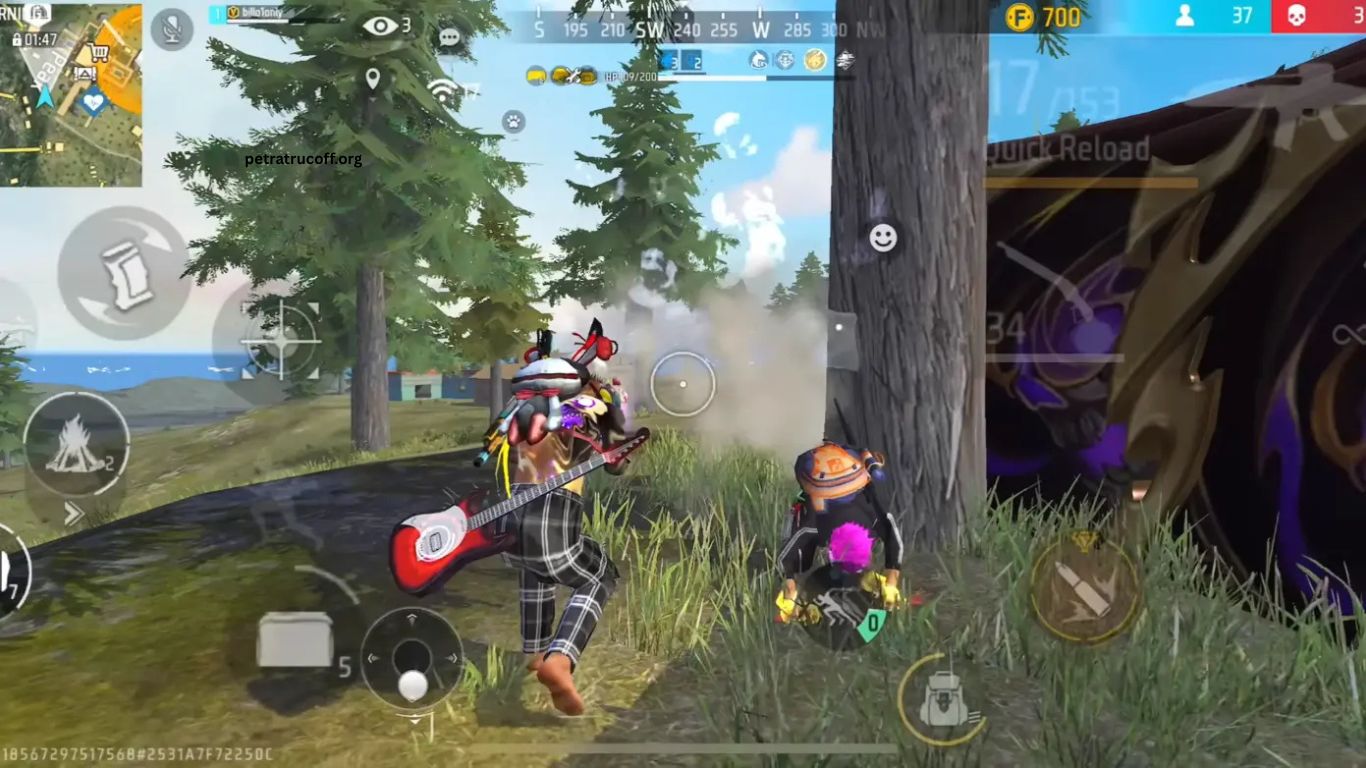
Free Fire remains one of the most popular battle royale games because of its fast-paced gameplay and competitive ranked matches. While weapons, strategy, and teamwork are important, sensitivity settings play a major role in improving aim, recoil control, and overall performance. Choosing the right sensitivity can make every movement smoother and every shot more accurate.
Every smartphone performs differently depending on its display, processor, touch response, and refresh rate. Because of these differences, there is no single sensitivity setting that works perfectly for everyone. Finding the ideal balance for your device can significantly improve gameplay, making it easier to land headshots and react quickly during intense fights.
Read More: Free Fire MAX Tips Every Beginner Should Know
Why Free Fire Sensitivity Settings Matter
Sensitivity controls how quickly your screen responds to touch movement. Proper settings allow players to track enemies smoothly, control weapon recoil, and perform accurate drag headshots. Incorrect sensitivity often causes shaky aim, missed shots, or over-aiming during close-range battles.
Optimized sensitivity also reduces unnecessary hand movement, making gameplay feel more comfortable during long gaming sessions. Whether you play casually or compete in ranked mode, the right settings provide a noticeable advantage.
Best Free Fire Sensitivity Settings for Low-End Devices
Low-end smartphones generally have limited processing power and lower touch sampling rates. Moderate sensitivity helps maintain better control while reducing accidental screen movement. General sensitivity works best between 90 and 100 for faster camera movement. Red Dot sensitivity around 80 to 90 provides balanced aiming.
Two Times Scope performs well between 70 and 80, while Four Times Scope around 60 to 70 improves recoil control. Sniper Scope should remain near 40 to 50 for precision shots. Free Look sensitivity between 65 and 75 allows smooth camera movement without becoming too fast. These values help maintain stability even when frame rates fluctuate.
Best Free Fire Sensitivity Settings for Mid-Range Devices
Mid-range smartphones deliver smoother gameplay with better touch response. Players can use higher sensitivity without losing aiming accuracy. General sensitivity between 95 and 100 offers excellent movement speed. Red Dot sensitivity around 90 to 95 supports quick headshots.
Two Times Scope between 80 and 90 delivers reliable recoil control. Four Times Scope around 70 to 80 works well for medium-range combat. Sniper Scope performs best near 50 to 60, while Free Look sensitivity between 70 and 80 provides smooth environmental awareness. These settings create an excellent balance between speed and precision.
Best Free Fire Sensitivity Settings for High-End Devices
Flagship smartphones feature high refresh rate displays and advanced touch response, allowing players to maximize sensitivity for rapid aiming. General sensitivity can remain at 100 for instant movement. Red Dot sensitivity between 95 and 100 improves drag headshots.
Two Times Scope around 90 to 95 provides smooth target tracking. Four Times Scope between 80 and 90 enhances medium-range accuracy. Sniper Scope around 55 to 65 offers precise aiming, while Free Look sensitivity between 75 and 85 enables faster camera rotation. High-end devices allow aggressive gameplay with excellent aiming consistency.
Adjust Settings Based on Playing Style
Every player has a unique gaming style. Aggressive players usually benefit from higher sensitivity because it enables faster screen movement and quick reactions during close-range combat. Defensive players often prefer slightly lower sensitivity for better recoil control and accurate long-range shooting.
Experimenting with small adjustments instead of making large changes helps identify the perfect setup. Testing settings in the training ground before entering ranked matches is always recommended.
Importance of Device Performance
Sensitivity settings work best when combined with stable game performance. A device that maintains consistent frame rates delivers smoother aiming and more reliable touch response. Closing unnecessary background applications, keeping storage available, and using game optimization features can improve overall performance.
Display refresh rate also affects aiming smoothness. Devices with higher refresh rates generally provide faster response times, making higher sensitivity easier to control.
Improve Headshot Accuracy
Many experienced Free Fire players use drag shooting techniques to secure quick headshots. Proper sensitivity allows controlled upward movement without overshooting the target. Practicing crosshair placement and maintaining consistent finger movement helps improve accuracy over time.
Muscle memory develops through regular practice using the same settings. Frequently changing sensitivity may reduce aiming consistency and slow overall improvement.
Common Mistakes Players Make
Many players copy professional gamers’ sensitivity settings without considering their own device specifications. Different hardware produces different touch responses, making copied settings less effective.
Another common mistake involves changing sensitivity after every poor match. Consistency is essential for developing accurate aim. Allow several matches before deciding whether adjustments are necessary.
Ignoring device performance issues can also reduce aiming quality. Even perfect sensitivity cannot compensate for unstable frame rates or excessive lag.
Frequently Asked Questions
What is the best General sensitivity in Free Fire?
A General sensitivity between 95 and 100 works well for most devices and supports faster aiming.
Do sensitivity settings differ by device?
Yes. Low-end, mid-range, and high-end devices respond differently, so settings should match your device’s performance.
Can sensitivity improve headshots?
Yes. Proper sensitivity makes drag shots smoother and helps improve headshot accuracy.
Should I copy pro players’ sensitivity settings?
Not always. Use them as a reference, then adjust according to your device and playing style.
How often should I change sensitivity?
Avoid changing it frequently. Use the same settings for several matches to build muscle memory.
Where should I test new sensitivity settings?
Practice in Free Fire’s Training Ground before using new settings in ranked or competitive matches.
Conclusion
The best Free Fire sensitivity settings depend on your device, gaming style, and personal comfort. While recommended values provide a strong starting point, consistent practice and small adjustments will help you achieve smoother aim, better recoil control, and more accurate headshots. Once you find the settings that suit your device, keep them consistent to build muscle memory and improve your overall performance in every match.
